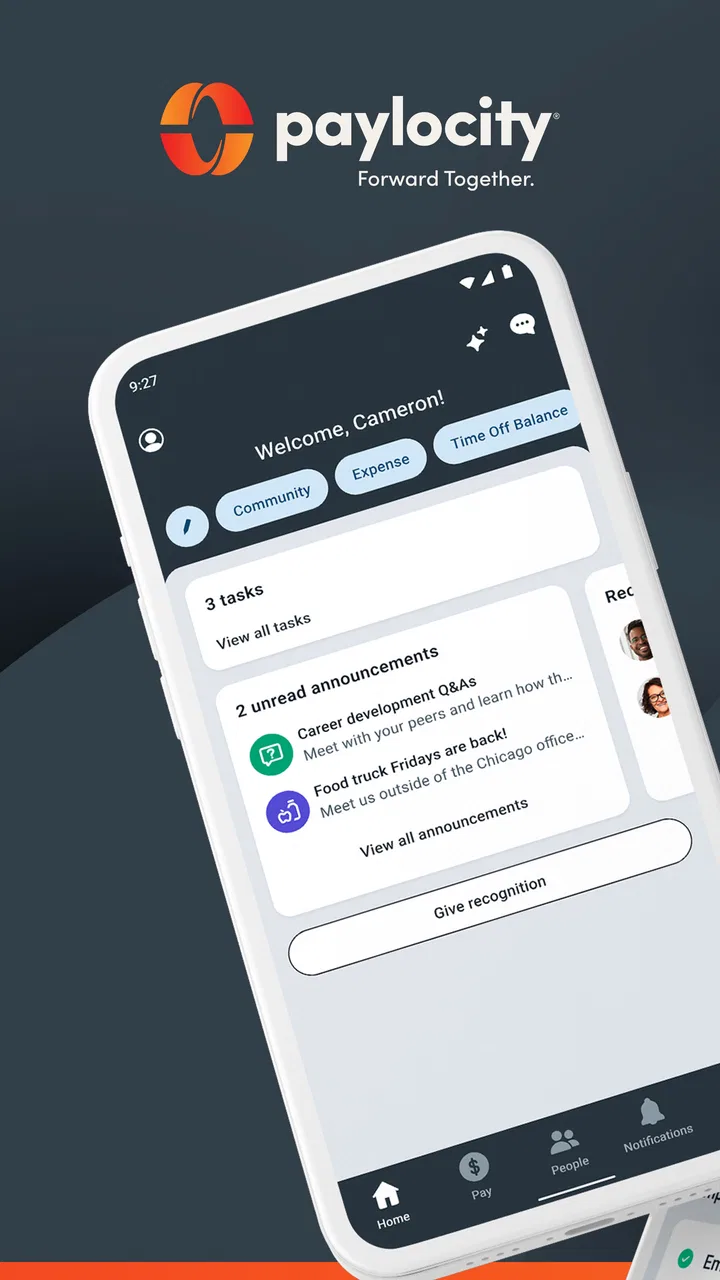
Paylocity
- 4.7
- Rating
- 5.00M
- Installs
- Free
- Price

 Analysis by App-foxy
I approached Paylocity as an employee-facing business app rather than as another general productivity tool. That distinction matters. Its purpose is to give people a convenient way to reach Paylocity information outside a desktop browser, but the usefulness of what appears inside the app depends heavily on how an employer has configured its Paylocity account. In my experience, that makes the first few minutes less about exploring menus and more about getting the sign-in path right.
The app is free, carries an Everyone age rating, and comes from Paylocity. It has been available since July 12, 2013, and the current release is 26.2.5 for devices running Android 8.0 or later. Those details make it a practical option for workplaces supporting older Android phones, although compatibility alone does not guarantee that every workplace function will look identical on every account.
Where the first login can become confusing
The biggest source of friction is that this is not an independent service you can fully explore before connecting it to your workplace. If you install it expecting to create a personal account and browse a complete set of tools immediately, the experience may feel blocked or incomplete. Paylocity is tied to an employer’s setup, so the organization’s invitation, sign-in method, and enabled services shape what you can actually use.
You May Also Like

 Blood Strike: 2.5 Anniversary
Blood Strike’s Loadouts Turn Every Drop Into a Tactical Gamble
A close look at Blood Strike’s custom loadouts: how fast access to signature weapons reshapes its battle royale rhythm, rewards preparation, and narrows the gap between fights.

 Pandora - Music & Podcasts
Pandora’s Music Is Easy to Start, but Harder to Recover
Pandora’s strength is its low-effort path from a seed to a station. Its weak spot is how much confidence it asks you to place in connection, setup, and quiet recovery.

 8 Ball Pool
 Is Built on Rivalries, Rematches, and Routine
A close look at the rivalries, rematches, shared routines, and unanswered safety questions that turn a quick pool match into a persistent mobile community.

 Samsung Music
’s Quiet Strength Is Playing What You Already Own
Its reach comes less from spectacle than from dependable access to a personal library. That simplicity is both the app’s strongest retention engine and its ceiling.

 AccuWeather: Weather Radar
AccuWeather Review: A Quick, Clear Forecast for Everyday Decisions
For everyday plans, the best forecast is the one you can understand quickly. AccuWeather makes rain timing, radar, and local conditions easy to act on, with a few trade-offs.

 Hill Climb Racing
Why Hill Climb Racing Still Turns Crashes Into One More Run
A tiny car, a bumpy hill and one more upgrade: Hill Climb Racing keeps resurfacing because its simple chaos makes every near-miss feel personal.
More From Our News Desk



I would start by confirming that I am using the exact workplace credentials or access route supplied by my employer. A familiar personal email address may not be the right identity for the account, and repeatedly trying variations can make a simple setup problem feel like an app failure. If the organization uses a separate employee portal or enrollment process, completing that step first is usually more sensible than reinstalling the app several times.
Another common stumbling point is expecting the mobile app to mirror a desktop screen perfectly. A phone interface has less room, and an employer may expose only selected areas through mobile access. If a particular item is visible on a work computer but not on the phone, that does not automatically mean the installation is broken. It may reflect account configuration, role-based access, or the way that function has been made available on mobile.
I also recommend checking which account is active before drawing conclusions from an empty or unexpected screen. This is especially important on a shared device or a phone that has been used for more than one workplace account. Signing out, closing the app, and signing back in with the intended work identity can be a more useful first move than changing unrelated phone settings.
What to check before blaming the installation
My basic setup routine is deliberately simple. I make sure the phone is connected to a reliable network, update the app through the normal app store if an update is offered, and restart the phone if the app behaves strangely immediately after installation. I then verify that the device meets the minimum Android requirement and that the date and time are set correctly, since incorrect device time can interfere with secure sign-in flows.
I would also avoid beginning the setup on an unstable public network. A connection that is technically available but repeatedly drops can produce vague loading failures, interrupted sign-in screens, or partially refreshed pages. Switching briefly to a trusted Wi-Fi connection or mobile data helps separate an app problem from a network problem without requiring advanced troubleshooting.
When the app opens but a page remains blank, I prefer to wait a moment and refresh once rather than tapping repeatedly. Multiple taps can create duplicate actions or make it difficult to tell whether the original request is still processing. If the same screen fails after a clean restart and a stable connection, recording the exact page and message is more useful for support than simply reporting that “the app does not work.”
There is also a practical privacy check before using the app on a family tablet or shared phone. Paylocity is a business application, so the information shown after sign-in may be personal or employment-related. I would use the device’s own screen lock and avoid leaving an active session open where another person can pick up the phone. That is not a special feature of the app; it is a sensible habit for any employee account.
Recovering a routine when one step fails
Paylocity is most useful when it becomes part of a small daily or weekly routine instead of an app I open only during an urgent problem. For example, I might check it before leaving for work when I need to review an employment-related update, then return later when I have enough time to read a longer item carefully. The advantage is convenience: I do not need to find a computer for every basic check. The trade-off is that a phone screen encourages quick taps, while workplace information sometimes deserves slower verification.
If a workflow stops halfway through, I would first identify whether the failure happened before sign-in, while loading a specific area, or after submitting an action. Those are different situations. A sign-in failure points toward account or access details. A single missing area points more toward employer configuration or account permissions. A submission that appears stuck calls for checking whether the action completed before attempting it again.
That last distinction is important. If I tap a button and the screen does not change, I would not immediately repeat the action several times. I would look for a confirmation, revisit the relevant area, or check the desktop version if that is available through the workplace. Repeating a request without knowing whether it succeeded can create confusion, particularly when the action relates to an employee record or a time-sensitive workplace process.
For a clean recovery, I would use a short sequence: close the app, reopen it, confirm the connection, and retry once. If the issue remains, I would sign out and back in only if I can safely do so and know the correct credentials. Clearing local app storage or reinstalling should be a later step, not the first response, because those actions may remove locally stored session information and force the same enrollment process again.
Keeping notes also helps. I would write down the phone model, operating system, app version, time of the failure, and the screen where it occurred. The current version is 26.2.5, so mentioning that version when contacting workplace support can prevent an unnecessary back-and-forth. I would not include sensitive employment details in an informal message; describing the screen and the visible error is usually enough to begin.
When the workplace system, not the app, is responsible
One of the most useful things to understand is the boundary between the mobile client and the employer’s Paylocity environment. The app can present information, but it cannot decide what an organization has enabled for a particular employee. If a coworker sees a different section, that may be connected to role, location, employment status, or company configuration rather than a difference in phone quality.
This is where Paylocity differs from a general note-taking or calendar app. With those tools, I normally control the account and can troubleshoot most settings myself. Here, the employer may control access and the content available to employees. That makes workplace support an important part of the experience. If the issue concerns missing information, an unavailable action, or an account that has not been activated, the right contact is often the organization’s administrator or human resources team rather than the phone manufacturer.
There is a similar distinction with information that appears outdated. If a workplace item has not changed when I expect it to, refreshing the app is reasonable, but it does not prove that the underlying record has been updated. The mobile app cannot independently correct an employer-maintained record. I would compare the information with the official workplace channel and ask the responsible team to verify the source if the discrepancy matters.
Network outages and service interruptions can also look like application bugs. A page that worked earlier may fail later without any change to the phone. Testing another ordinary website or app can provide a quick indication of whether the connection itself is unreliable. If other services work normally and only one Paylocity area fails, I would capture the details and report the specific problem instead of making broad changes to the device.
That approach protects time and avoids risky troubleshooting. I would not install unofficial versions, share workplace credentials with another person, or use random “fix” tools that promise to unlock access. For an employee app, preserving account security is more important than forcing a quick workaround.
How it compares with the usual alternatives
The obvious alternative is using Paylocity through a desktop browser, assuming the employer provides that route. A browser can be more comfortable for reading dense information and handling tasks that involve several fields. The mobile app is better suited to quick access when I am away from a desk. I see it as a companion to the workplace system, not necessarily a complete replacement for every desktop activity.
Email is another alternative, but it serves a different purpose. Email can alert me that something changed, while a dedicated employee app gives me a more direct place to check the relevant account information. Email is also easier to overlook or mix with personal messages. On the other hand, email may be preferable when I need to forward a message, keep a written conversation, or contact a person directly.
A paper notice or an internal company portal may still be better for formal instructions that require careful reading, especially when the employer has not made the related information available through mobile access. The app’s value is strongest for convenience and timely access, not for replacing every communication channel an organization uses.
With a general workforce app, I might expect a consistent feature set for everyone. Paylocity requires a more cautious expectation. The experience is likely to be good when the employer has organized its mobile access well, but less satisfying when employees must move between the app, a browser, and a workplace contact to complete one process. That is a genuine trade-off: the app can reduce dependence on a computer, yet it cannot remove organizational complexity.
Who will get the most from it
I would recommend Paylocity to employees whose organizations actively use Paylocity and who want a convenient mobile route to workplace information. It is particularly sensible for people who are rarely at a desk, commute between locations, or need to check employment-related details during a busy day. The free price also removes a direct purchase decision for individual employees, although access still depends on the employer’s account setup.
The app may be less suitable for someone who expects a standalone personal finance or scheduling tool. It is not the right choice if the workplace does not use Paylocity, if the organization has not enabled the needed mobile access, or if the user wants a universal service that works independently of an employer. In those situations, a browser, a company portal, or another officially supported channel may be more useful.
The audience size suggests that this is not an obscure workplace utility: it has more than five million installs, around two hundred fifty-eight thousand ratings, and an average rating of 4.7. I treat that as encouraging evidence of broad acceptance, not as a promise that every employer configuration will feel equally polished. A highly rated app can still be frustrating when the problem sits in account setup or workplace administration.
The developer, Paylocity, has kept the app available across a long period, and the current Android release supports devices from Android 8.0 onward. For someone with an older compatible phone, that is helpful. Still, I would keep the operating system and the app updated when possible, because basic compatibility is only one part of a reliable sign-in and loading experience.
My practical verdict after using it
I see Paylocity as a useful access point rather than a magical solution to workplace administration. Its strongest quality is straightforward: it puts an employer-connected account within reach when opening a computer would be inconvenient. That can make a real difference during a commute, between shifts, or when I need to check something away from my desk.
The main limitation is equally clear. Because the app is connected to an organization’s Paylocity setup, users do not control every part of the experience. Missing access, different screens, delayed information, and incomplete workflows may require help from the employer. Understanding that boundary prevents a lot of wasted troubleshooting.
My advice is to install it when your workplace uses Paylocity, begin with the official account setup, and test it during a calm moment rather than waiting until an urgent task is due. Keep the desktop or workplace support route available for complex or blocked workflows. The best way to use Paylocity is as a convenient mobile doorway to your employer’s system, not as a substitute for the system and people behind it.
FAQs for Paylocity
01What features does the Paylocity app offer?
The Paylocity app provides a comprehensive suite of features designed to streamline HR and payroll processes. Users can access pay stubs, submit timesheets, request time off, and manage benefits. Additionally, it includes communication tools and performance management features, making it a versatile solution for both employees and employers.
02Is the Paylocity app secure to use?
Yes, the Paylocity app prioritizes user security with robust encryption protocols and multi-factor authentication. It ensures that sensitive information, such as payroll and personal data, is protected from unauthorized access. Regular updates and compliance with industry standards further enhance its security measures.
03Can the Paylocity app be integrated with other software?
The Paylocity app offers seamless integration with various third-party applications and software systems. This includes popular platforms like Microsoft Office, Google Workspace, and several accounting software solutions. These integrations enable businesses to streamline their operations and enhance productivity without switching between different tools.
04Does the Paylocity app support multiple languages?
Currently, the Paylocity app primarily supports English. However, it is designed with a user-friendly interface that can be easily navigated by non-native English speakers. The development team is continually working on expanding language support to cater to a broader audience in future updates.
05What kind of customer support does Paylocity offer?
Paylocity provides comprehensive customer support through various channels. Users can access 24/7 online support, including a detailed FAQ section and community forums. For more personalized assistance, users can contact customer service via phone or email during business hours, ensuring prompt and effective solutions to any issues.
Pros
- User-friendly interface for easy navigation.
- Comprehensive payroll management features.
- Real-time data access for quick updates.
- Seamless integration with HR tools.
- Robust reporting and analytics capabilities.
Cons
- Limited offline functionality.
- Occasional sync issues reported.
- Mobile app lacks some desktop features.
- Customer support response time varies.
- Customization options could be expanded.

Paylocity
Gallery